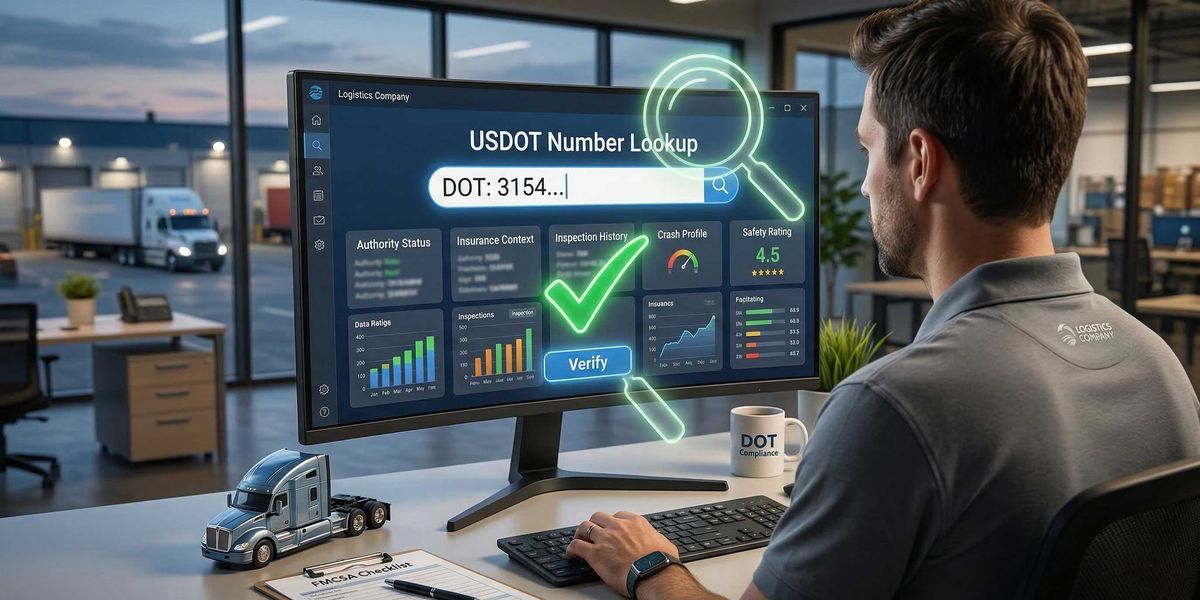
A carrier can have an active record and still deserve more scrutiny. The goal is not just to confirm that a DOT number exists. The goal is to understand what the record says about the company’s authority, operating profile, inspection history, and potential risk.
In this guide, we’ll cover:
-
what a DOT number is
-
where to check it
-
how to read a SAFER/FMCSA record
-
the biggest red flags to watch for
-
what a DOT number lookup can miss
What is a DOT number?
A USDOT number is a unique identifier assigned through FMCSA registration. FMCSA uses it to track a company’s registration and safety-related information, and first-time applicants now apply through the Unified Registration System (URS).
Not every company with a DOT number has the same operating authority or operating model. A DOT number helps identify the business and connect it to records like inspections, crashes, and registration data. FMCSA also notes that some intrastate carriers may need a USDOT number depending on state requirements.
Where to check a DOT number
The main official place to start is the SAFER Company Snapshot.
SAFER allows users to search by:
-
USDOT number
-
MC/MX number
-
company name
FMCSA also points users to other connected systems for carrier safety and registration information, including:
-
SAFER
-
Licensing & Insurance
-
SMS
-
A&I Online
-
DataQs
For a practical user, that means:
-
use SAFER for the basic company snapshot
-
use Licensing & Insurance to confirm authority and insurance context
-
use SMS/A&I when you need deeper safety history
How to check a DOT number step by step
Step 1: Search the DOT number in SAFER
Enter the USDOT number into the official SAFER Company Snapshot search. SAFER is designed specifically for this type of lookup and returns the carrier’s core profile.
At a minimum, confirm that:
-
the company name matches what you were given
-
the DOT number belongs to the right business
-
the company is actually in the mode of operation it claims
This sounds basic, but simple mismatches are common and worth catching early.
Step 2: Review the company identity details
Once you open the record, look closely at:
-
legal company name
-
DBA name
-
physical address
-
mailing address
-
phone number
-
interstate vs intrastate status
-
entity type
This helps answer a simple but important question: does the record match the story the carrier is telling you?
If a carrier says it is an established interstate operator but the profile looks sparse, newly updated, or geographically inconsistent, that deserves a closer look.
Step 3: Check operating status and authority context
A DOT number alone is not the same thing as operating authority.
FMCSA’s registration guidance separates the concepts of a USDOT number and operating authority, and depending on the business, a company may need one, both, or additional registration steps.
When checking a DOT number, verify:
-
whether the company is active
-
whether it has the authority it claims
-
whether there are obvious gaps between the DOT record and the company’s sales story
If the carrier is hauling regulated freight for hire, make sure the authority status makes sense for that activity.
Step 4: Look at inspection and crash history
FMCSA’s company safety tools are built so users can check company information using a name, USDOT number, or MC number, including safety-related information such as inspection and crash history.
You are not just looking for “bad” numbers. You are also looking for whether the operating history feels believable.
Questions to ask:
-
Is there any inspection history at all?
-
Does the crash and inspection profile fit the age and size of the business?
-
Does the company claim to be a large, experienced carrier but show very little operating footprint?
A totally clean-looking profile is not always proof of low risk. Sometimes it just means the carrier is very new or thinly documented.
Step 5: Review safety rating information
FMCSA says a company’s safety rating can be checked through SAFER after locating the company by name, USDOT number, or MC/MX number.
If a safety rating is present, review it in context. If no rating is present, do not assume that means the carrier is low risk. It may simply mean the company has not accumulated enough history for that field to be useful.
Step 6: Cross-check licensing and insurance
SAFER is a starting point, not the whole investigation.
FMCSA’s own safety-records guidance points users beyond SAFER to other systems, and the SAFER portal itself links to Licensing & Insurance for carrier review.
Before onboarding a carrier, cross-check:
-
insurance on file
-
authority details
-
whether the business type matches the work it is offering to perform
This is especially important when the carrier is newly active, lightly documented, or moving quickly.
What to look for when checking a DOT number
A DOT lookup is not just a yes/no check. Here are the main things to evaluate.
1. Does the company identity match?
Make sure the name, address, and core company details line up with what the carrier provided.
2. Does the authority story make sense?
A DOT number is not the same as operating authority. Confirm the company has the registration profile needed for the work it is doing.
3. Does the inspection history fit the operating claims?
A carrier claiming broad operations with little visible history may deserve deeper review.
4. Is the record too new to rely on by itself?
New authority is not automatically a problem. But “new and unusually polished” should trigger more questions.
5. Are there inconsistencies?
If the company story changes across onboarding docs, email signatures, phone calls, and public records, pause and investigate.
Common red flags in a DOT number check
A DOT number lookup should raise your guard when you see patterns like:
-
very new registration with aggressive booking behavior
-
little or no inspection history
-
mismatched business details
-
unclear authority status
-
contact info that feels inconsistent
-
a profile that looks cleaner than the operating story suggests
None of these automatically prove fraud. But they are signals that the carrier may need more than a quick snapshot review.
What a DOT number lookup can miss
This is the biggest mistake teams make: treating a DOT number lookup like a complete verification process.
Official FMCSA tools are essential, but they are designed to provide registration and safety information, not to fully investigate every related-entity or fraud scenario. FMCSA itself directs users across multiple systems depending on what they need to learn.
A DOT number check may not clearly reveal:
-
whether a “new” carrier is tied to an older one
-
whether contact info overlaps with other entities
-
whether the company’s operating identity has been recycled
-
whether the carrier’s real-world footprint matches its paper profile
That is why a DOT number check should be treated as the start of carrier verification, not the end.
Quick checklist: how to verify a DOT number properly
Before onboarding a carrier, ask:
-
Does the DOT number belong to the right company?
-
Does the company name and address match what I was given?
-
Is the carrier active in the way it claims?
-
Does the authority context make sense?
-
Is there enough inspection history to support the operating story?
-
Are there any inconsistencies or gaps that need more review?
If several of those answers are unclear, keep digging.
How AlphaLoops helps beyond a DOT lookup
A DOT number lookup is useful, but it is still just one record.
The harder questions are often:
-
what is missing from the record?
-
is this company really what it says it is?
-
are there related entities or hidden risk signals?
-
does the operating story hold up under scrutiny?
That is where AlphaLoops can help.
Instead of stopping at a surface-level DOT lookup, AlphaLoops helps teams investigate carriers with more context around identity, risk, and operating footprint.